Crypto portfolio management becomes difficult when assets move across several exchanges, wallets and products.
A single exchange can show the balance held on that platform. It cannot always show where the asset came from, what it cost, how many times it moved, what profit or loss has already been realised, or whether another wallet still holds part of the position.
That is why portfolio tracking needs more than price updates. A useful workflow should bring transaction history together, organise holdings by asset and source, show realised and unrealised P&L, and help users search the records behind each number.
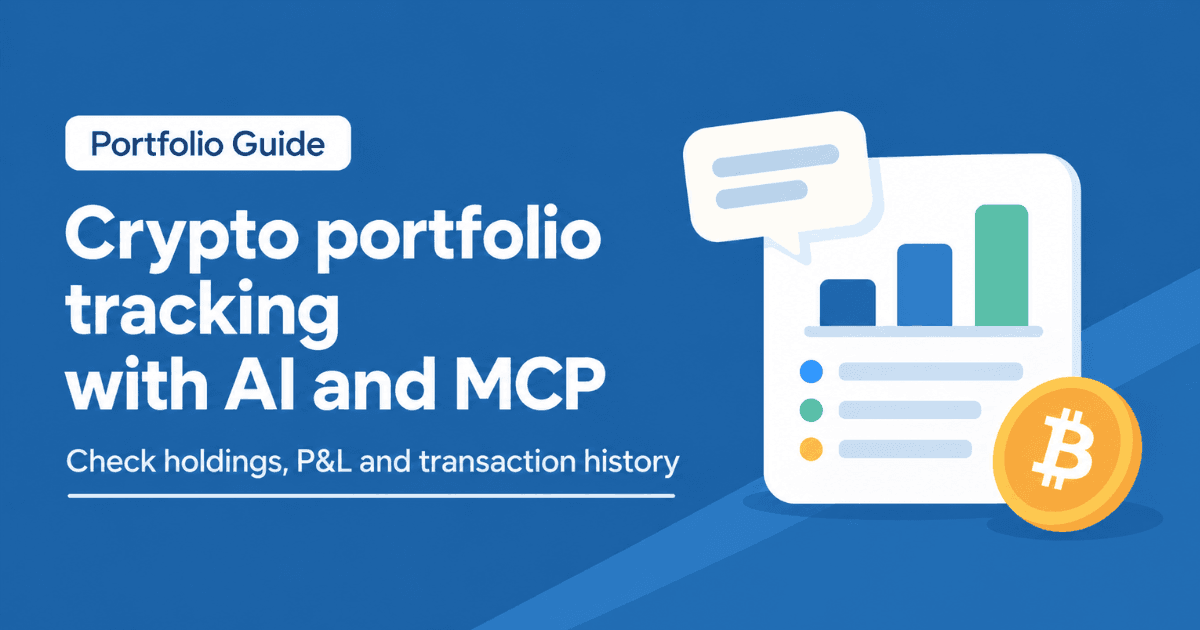
cryptact’s AI/MCP integration builds on that workflow. cryptact holds the portfolio, transaction and P&L data. The MCP connection lets compatible AI assistants, including Claude and ChatGPT, work with that data through natural-language requests.
The result is not a separate AI portfolio tracker sitting outside the records. It is a faster way to work with the portfolio data already organised in cryptact.
Key takeaways
- Crypto portfolio management needs complete records across exchanges, wallets, rewards and older transactions.
- cryptact helps users review holdings, transaction history, realised P&L and unrealised P&L from imported data.
- MCP gives AI assistants a structured way to connect with external tools such as cryptact.
- cryptact’s AI/MCP integration helps users query portfolio and P&L data through natural-language requests.
- Users can use the workflow to check holdings, search transactions, review P&L and find records that need attention.
- cryptact’s MCP server also supports write operations, such as file upload, transaction edits and recalculation, depending on current product support.
- AI output should still be reviewed against cryptact data and original source records before users rely on it.
No credit card required
Why crypto portfolio management breaks down across platforms
Portfolio tracking looks simple when all activity stays in one account. The user buys crypto, holds it on the same exchange, and checks the dashboard when they want to see the balance.
Most crypto portfolios do not stay that clean.
Assets may move from an exchange to a wallet. A token may be bought on one platform and sold on another. Rewards may arrive outside the original exchange. DeFi activity may add more wallet history. Older transactions may still affect the current position and P&L.
When records sit in different places, the portfolio view becomes harder to trust.
A balance can show what the user holds today, but it does not always explain the path behind that balance. The user may still need to know the acquisition history, average acquisition price, realised P&L, unrealised P&L, exchange-level activity and transaction details.
This is the difference between a price tracker and crypto portfolio management.
A price tracker shows market movement. A portfolio management workflow explains the user’s own position inside that movement.
For a broader guide to portfolio consolidation, cost-basis tracking and choosing portfolio management tools, see our crypto portfolio management guide.
What cryptact’s AI/MCP integration adds
cryptact already supports portfolio and P&L review based on imported transaction history. Users can bring in exchange and wallet records, review current holdings, check realised gains and losses, and inspect portfolio data from one place.
The AI / MCP integration adds a different way to work with that information.
Instead of navigating only through screens, filters and exports, users can ask a compatible AI assistant to retrieve portfolio, P&L or transaction information from cryptact. The assistant works from the data in the cryptact account, so the response depends on the records already uploaded or connected.
This can help users move faster through tasks such as:
- reviewing current holdings
- checking realised P&L for a selected period
- reviewing unrealised P&L for assets still held
- searching transaction history by asset, exchange or date
- finding records that may need review
- preparing cleaner portfolio records before reporting
The AI layer should not be treated as a replacement for the calculation. It is an interface for working with cryptact data more efficiently.
How MCP works in a crypto portfolio workflow
MCP stands for Model Context Protocol. It gives AI assistants a structured way to connect with external tools and data sources.
For a crypto portfolio, that matters because an AI assistant cannot know the user’s holdings or P&L by itself. It needs access to a reliable source of portfolio and transaction data.
In this workflow, cryptact acts as the data and calculation layer. The AI assistant acts as the query layer.
The flow looks like this:
- The user imports exchange, wallet and transaction history into cryptact.
- cryptact organises portfolio, transaction and P&L data.
- The user connects a compatible AI assistant through the MCP server.
- The assistant retrieves relevant information from cryptact when the user asks.
- The user reviews important results in cryptact before relying on them.
This setup makes MCP useful for portfolio management because it reduces the time spent searching through large transaction histories.
For a deeper explanation of the standard itself, see cryptact’s guide to what MCP is and how it works with Claude and ChatGPT.
How to set up cryptact’s MCP connection
Users should follow the latest cryptact setup guide because AI assistant interfaces can change.
At a high level, the setup has four stages.
1. Prepare the cryptact account
Create or log in to a cryptact account. Add the exchange and wallet records needed for the portfolio view. Review visible data issues before connecting the AI assistant.
The MCP workflow works best when cryptact already has complete transaction history.
2. Open a compatible AI assistant
cryptact’s MCP server can be used with supported AI assistants such as Claude and ChatGPT. The exact menu path depends on the assistant.
3. Add the cryptact MCP server
Add cryptact as a connector or custom MCP app using the official server details from cryptact’s setup documentation. Complete the authentication step and grant the required access.
Use the official cryptact MCP server setup guide for the current steps.
4. Start with a focused portfolio check
After connection, start with a focused request such as portfolio holdings, realised P&L, unrealised P&L or transaction search. Check the output against cryptact before using it for reporting or decision-making.
Portfolio and P&L checks users can run
An AI-assisted portfolio review works best when it starts with specific checks. Broad requests can be useful, but focused requests usually produce clearer output.
| Portfolio task | Request format |
| Current holdings | Show current holdings by asset |
| Exchange-level view | Break down holdings by exchange |
| Realised P&L | Show realised P&L for a selected period |
| Unrealised P&L | Show unrealised P&L for assets still held |
| Asset review | Show position, acquisition cost and P&L for one asset |
| Transaction search | Find transactions by asset, date, exchange or action type |
| Data quality check | Show invalid, incomplete or unusual records |
| Reporting preparation | Summarise key P&L items that need review |
These checks keep the AI assistant focused on the cryptact data instead of turning the workflow into general commentary.
For example, a user reviewing Bitcoin does not need to search every exchange manually first. They can start with the BTC position, then move to the transactions behind that position, then check whether any imported records need attention.
The value is speed and structure. The user still reviews the result inside cryptact.
Example workflow: from transaction records to portfolio review
A clean AI-assisted portfolio workflow starts before any AI request is made.
First, the user adds transaction history to cryptact. This may include exchange files, API connections, wallet records, rewards, fees and older history that affects current holdings.
Next, the user checks whether the portfolio view looks reasonable. Missing records, invalid transactions, unsupported entries or unexpected balances should be reviewed before the AI assistant becomes part of the process.
After that, the user connects cryptact to a compatible AI assistant through MCP.
A practical review can then follow this order:
- Check current holdings.
- Review realised P&L for the selected period.
- Review unrealised P&L for assets still held.
- Drill into one asset, exchange or transaction group.
- Search the transaction history behind any figure that looks unusual.
- Return to cryptact to confirm the source data.
This gives the workflow a clear role. cryptact organises the records and calculations. The AI assistant helps the user move through that information faster.
Where tax fits in
Portfolio management and tax preparation often use the same transaction data, but they are not the same task.
A portfolio view helps users understand holdings, market value, realised P&L, unrealised P&L and transaction history. A tax report may require additional treatment depending on the user’s country, tax year, reporting rules and transaction types.
This article focuses on portfolio tracking, so it does not cover country-specific tax rules, rates, deadlines or filing positions.
The general point is still useful: organised portfolio records usually make tax preparation easier. When exchange histories, wallet movements, rewards, fees and transfers are already in one place, users have a stronger base for later reporting.
Readers who need country-specific tax guidance should use the relevant country guide.
What still needs human review
AI can speed up portfolio review, but it should not remove human checks.
Users should still review:
- missing exchange or wallet records
- invalid transactions
- unsupported transaction types
- missing prices
- missing acquisition data
- duplicate imports
- unclear transfers
- manual entries
- unexpected balances
- country-specific tax treatment questions
Some MCP workflows may support write actions such as uploading files, editing transaction data, setting prices or triggering recalculation. These actions can reduce manual work, but users should verify any changes inside cryptact.
For current product limits and supported actions, see the guide to cryptact MCP write features.
A portfolio result is only as strong as the transaction history behind it. If the source data is incomplete, the AI output can also be incomplete.
How cryptact supports tax-ready portfolio management
cryptact’s portfolio tools help users review holdings, market value, book value, average acquisition price, realised P&L and unrealised P&L based on imported transaction history.
That makes the AI / MCP workflow more useful. The assistant can work from structured portfolio data rather than scattered spreadsheets, screenshots or exchange dashboards.
A tax-ready portfolio management setup usually includes:
- exchange histories added to cryptact
- wallet activity added where relevant
- reward and fee records included
- invalid transactions reviewed
- missing prices checked
- manual entries supported by source records
- portfolio balances compared with actual accounts
- realised and unrealised P&L reviewed before reporting
Once that base is in place, AI can help users move from a summary to the underlying records more quickly.
To review the product features, see cryptact’s portfolio and tax calculation features and the Portfolio Guide.
cryptact AI / MCP FAQs
What is cryptact’s AI / MCP integration?
cryptact’s AI / MCP integration lets compatible AI assistants connect with cryptact so users can work with portfolio, P&L and transaction data through natural-language requests.
What can users track with cryptact’s MCP integration?
Users can review holdings, realised P&L, unrealised P&L and transaction history based on the data available in their cryptact account.
Is MCP the same as an API?
No. An API connects software to a specific service. MCP gives AI assistants a structured way to connect with external tools and use them through a common interface.
Does the AI assistant replace cryptact’s calculation?
No. cryptact remains the data and calculation source. The AI assistant helps users query and review the information in a more flexible way.
Can users set it up without technical knowledge?
cryptact provides setup instructions for connecting the MCP server with supported AI assistants. Users should follow the latest setup guide because menu paths and permissions can change.
Can AI review P&L without transaction history?
No. Users need to add the relevant transaction history to cryptact first. The AI assistant can only work with the data available in the connected account.
Can the AI assistant change cryptact data?
Some MCP workflows may support write actions, such as uploading files, editing transaction data or triggering recalculation. Users should check the current help documentation and review any changes after they are made.
Does this replace tax advice?
No. This workflow supports portfolio tracking, P&L review and record preparation. Country-specific tax treatment should be checked through the relevant country guide or a qualified adviser.
Conclusion
Crypto portfolio management becomes harder when holdings, transfers, rewards and older records sit across several exchanges and wallets. A single dashboard can show part of the position, but it cannot always explain the full history behind it.
cryptact’s AI/MCP integration gives users a faster way to work with portfolio and P&L data already organised in cryptact. Users can check holdings, review realised and unrealised P&L, search transaction history and find records that need attention.
The strongest workflow remains record-led: add the transaction history, review the data in cryptact, connect the MCP integration, then use AI to move through the portfolio more efficiently.
Use cryptact’s AI/MCP integration to track portfolio holdings, review P&L, search transaction history and keep crypto records easier to manage across exchanges and wallets.