
Create a free account
Create a free cryptact account. Already have one? Skip to step 2.
 Available from the Free plan
Get started
Pick the tool that fits your goal — set up in three steps.
Create a free account
Create a free cryptact account. Already have one? Skip to step 2.

Connect your AI assistant
Go to Settings in Claude or ChatGPT and add the cryptact MCP server URL shown below.
https://mcp.cryptact.com/mcp
Start asking
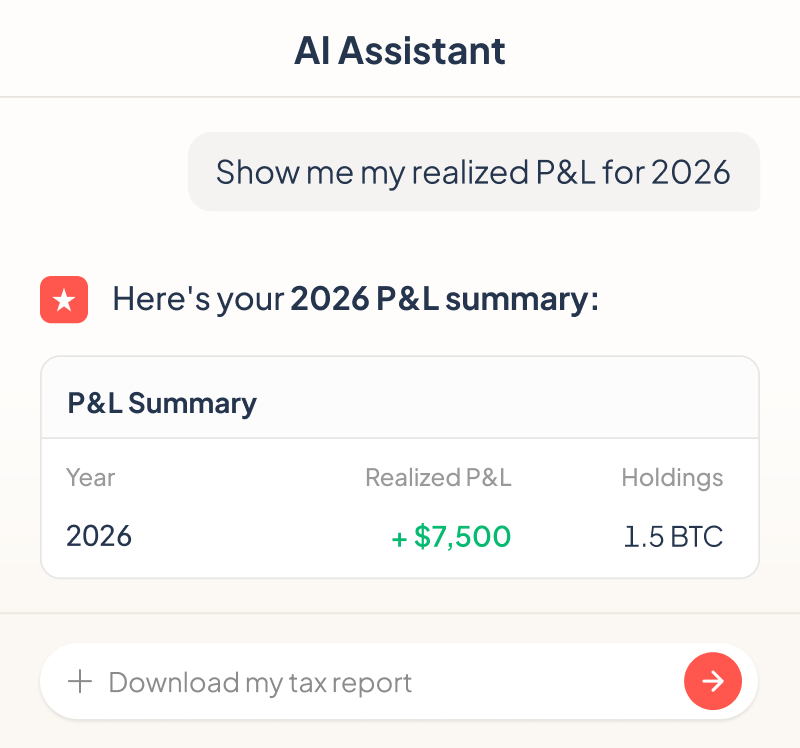
That's it. Ask about your P&L, portfolio, transactions, or account status — just tell your AI assistant what you need.
See example promptsChoose your tool
Both tools connect to the same cryptact engine.
Choose the experience that fits your workflow.
For users who use AI assistants

Ask questions in natural language — no coding or CLI.Complete P&L calculations through conversation with AI.
 Tool control and data retrieval in plain languageWorks with Claude, ChatGPT, and othersRead and write — query, upload, edit, and manage your dataNo setup required on your machine
For engineers & power users

Full terminal control — upload files, run calculations, search transactions, and pipe results into scripts or AI.
Terminal-native workflowScriptable & automatableRead and write operationsWorks with Claude Code and other AI dev toolsMCP server
Connect your cryptact account to AI assistants like Claude or ChatGPT.
Check your P&L, edit transactions, run calculations — all through a simple conversation with AI.
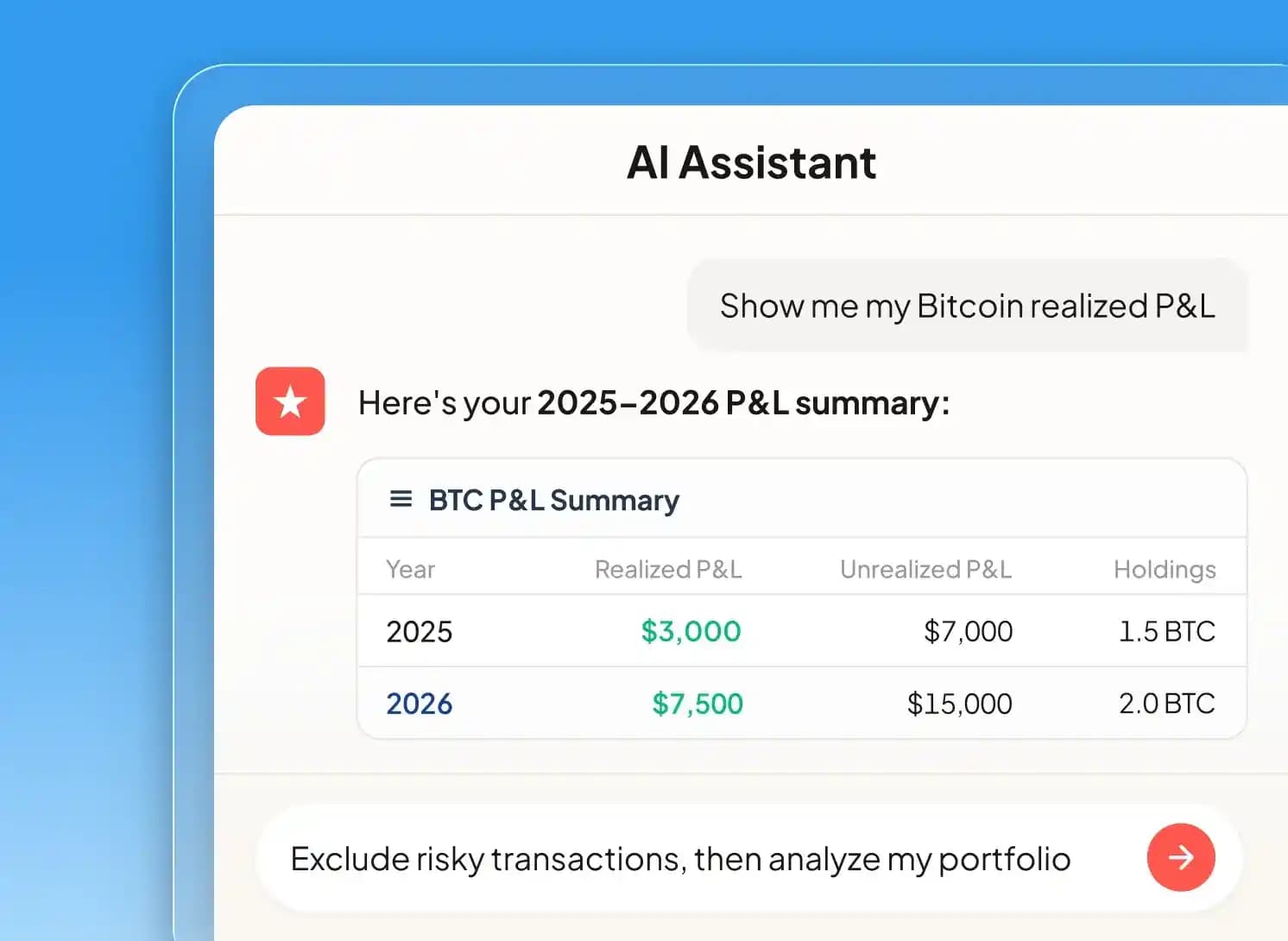

Ask 'What's my Bitcoin realized P&L?' and get an instant answer

Secure login with your existing cryptact credentials — your data stays private

Works with Claude, ChatGPT, and any MCP-compatible AI assistant you already use

From P&L summaries to transaction search, editing, and recalculation — all through conversation
Command-Line Interface
Upload files, run P&L calculations, search transactions, and export results — all from your terminal.
Compatible with AI coding tools like Claude Code.
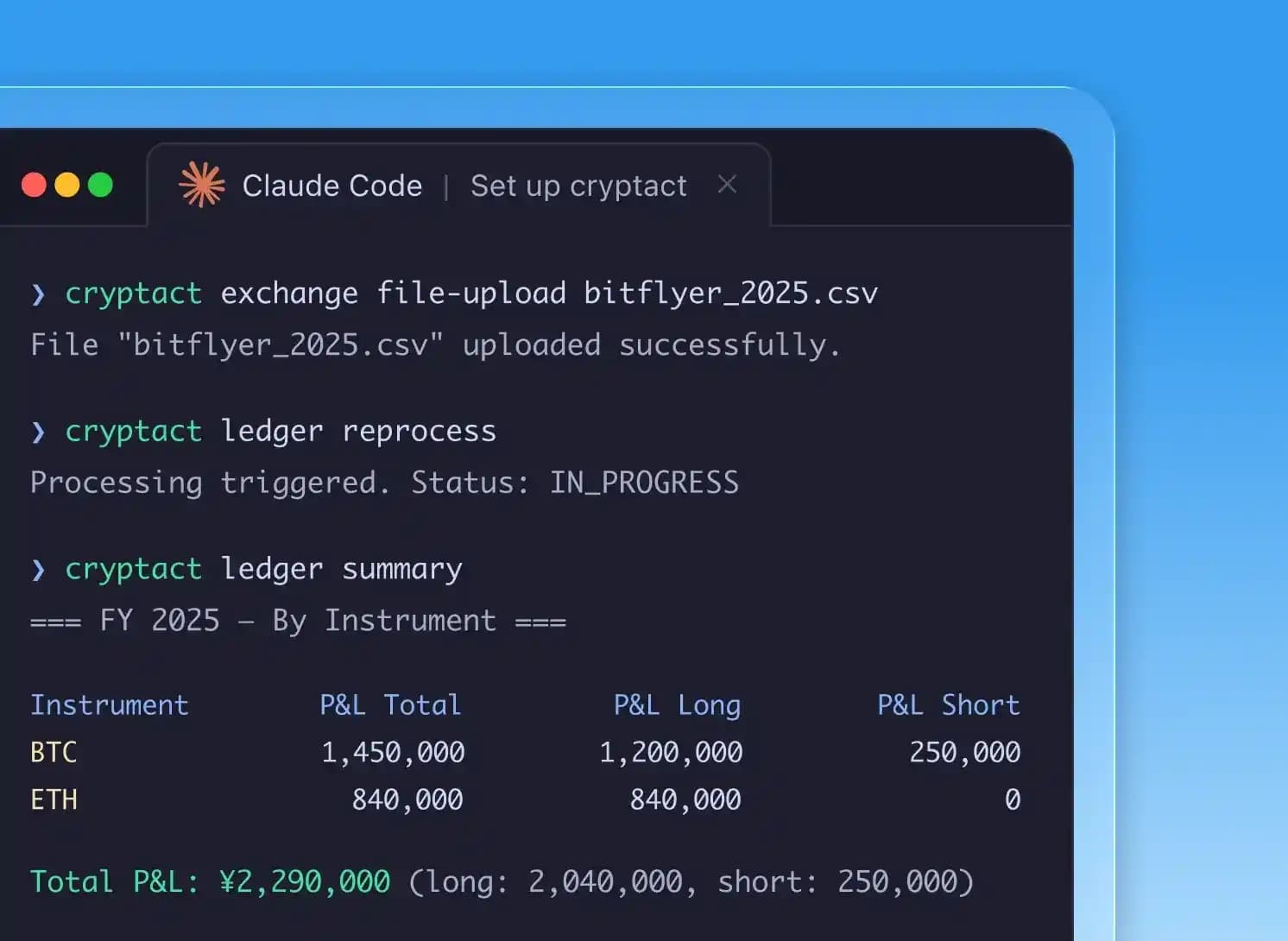

Upload exchange files and trigger P&L recalculation in one command

Search and filter transactions by date, exchange, pair, or action type
One-time OAuth login — credentials stored locally on your machine

Scriptable — integrate into trading bots, tax workflows, and CI pipelines
Support
Common questions and answers from our users.
Available from the Free plan
Make crypto tax filing easier with AI
From checking your P&L to editing transactions, prepare your
crypto tax filing through conversation with AI.



cryptact — a pafin Inc. service
You can update your preferences anytime via the “Cookie settings” link in the footer.

